





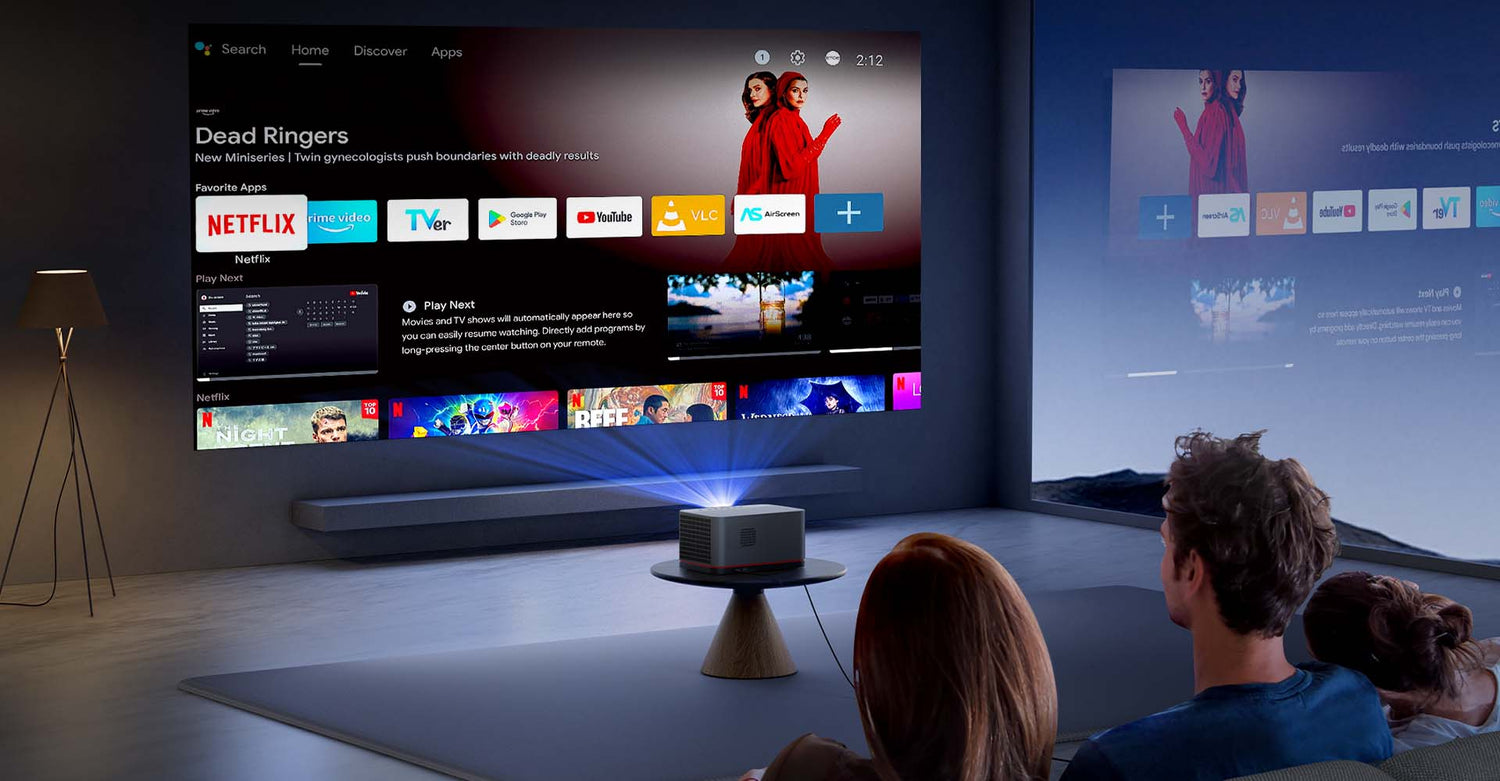
In 2026, creating a world-class home theater setup is no longer about guesswork; it is an exercise in environmental engineering. While most enthusiasts focus on resolution, the true difference between a lackluster image and a breathtaking cinematic experience lies in spatial geometry. Specifically, mastering the relationship between projected distance and screen size determines how vivid, sharp, and comfortable the image is for your eyes.
This guide moves beyond the basics to explore the optical physics and ergonomic standards used by professional installers. We will answer the critical questions: what is throw ratio for projectors, how do you measure projector throw ratio, and how do you find the perfect "sweet spot"?
Optics vs. Ergonomics: Knowing the Difference
Before calculating throw distance, it is vital to distinguish between two types of "distance" that are often confused in DIY setups:
- Projected Distance (Lens-to-Screen): This is the physical space required by the projector's lens to create a specific image size. It is a hard requirement dictated by the hardware's optical path.
- Viewing Distance (Eye-to-Screen): This is where you sit. This is determined by human comfort, biological field-of-view, and industry standards (THX/SMPTE) to prevent eye strain.
Demystifying the "Throw": The Mathematical DNA
To understand what is throw distance projector logic, you must look at the Throw Ratio. This numerical value represents the relationship between the distance from the screen and the width of the projected image.
- The Industry Standard: For most standard-throw home cinema projectors, the ratio typically ranges between 1.2:1 and 1.5:1. This range is preferred because it balances large-screen immersion with the depth of a typical residential room.
- The Formula: Projected Distance = Screen Width × Throw Ratio
- Quick Calculation Tool: To make this process foolproof, you can use the formula tool provided in this [Google Sheets document] for quick calculations tailored to your specific space and device.
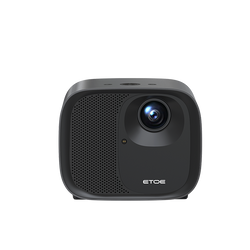
- The ETOE Benchmark: The ETOE Seal Pro 2026 projector is engineered with a high-precision 1.22:1 throw ratio. This optics configuration allows for a flexible projection size of 45 to 120 inches within a compact projected distance of 1.2m to 3.3m.

Spatial Mapping: A Precision Reference Table
The table below shows the projected distance required for a 1.22:1 throw ratio (as seen in the ETOE Seal Pro 2026 projector) to hit specific screen sizes within its optimal hardware range.
|
Diagonal Size (16:9) |
Projected Distance (Meters) |
Projected Distance (Feet) |
Recommended Space |
|
45" (Minimum) |
1.23m |
4.0 ft |
Studio / Small Office |
|
80" |
2.16m |
7.1 ft |
Standard Bedroom |
|
100" |
2.70m |
8.86 ft |
Living Room / Apartment |
|
120" (Maximum) |
3.24m |
10.6 ft |
Dedicated Media Room |
Note: For the Seal Pro 2026, a 3.3m distance will maximize your cinematic experience at the full 120-inch limit.
Optical Performance: Brightness and Alignment
As you scale up your screen size, you must account for the Inverse Square Law: light intensity drops as distance increases. For those aiming for a 120-inch projector screen or setups in rooms with ambient light, a high ANSI lumen count is non-negotiable.
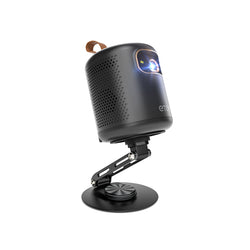
For users demanding peak performance in larger environments, the ETOE Whale Pro 2026 projector is the premier choice, featuring Native 1080P with a staggering 1800 ANSI lumen output and 4K Decoding to maintain vivid contrast and deep saturation even at massive scales.
Pro Tip on Alignment: While modern projectors offer Auto Focus and ToF Auto-Keystone, digital correction "masks" pixels. To preserve 100% of your resolution, always aim for physical center-alignment first, using digital correction only for final micro-adjustments.

Finding Your "Sweet Spot" (Viewing Distance)
While the projector lens sits at a specific distance to create the image, you should sit where it is most comfortable. We look to professional ergonomic standards:
- THX Standard (40° Angle): Sit roughly 1.2x the diagonal screen size away for maximum immersion.
- SMPTE Standard (30° Angle): Sit roughly 1.6x the diagonal screen size away for relaxed, "stadium-style" viewing.
Practical Application: For a 120-inch projector screen, while your projector projection ratio might place the lens at 3.24m, your seating should ideally be between 3.6m and 4.8m (12–16 ft) for optimal comfort.
The Ultimate Canvas: ETOE 120-Inch Projection Screen
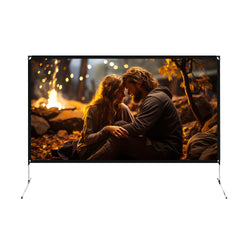
If you are wondering where to buy projector screen quality that matches your high-end hardware, the ETOE 120-inch projector screen is the definitive answer.
- Ultra-HD 4K Viewing: The premium wrinkle-free material supports 4K decoding for breathtaking clarity and sharp details.
- 160° Wide Viewing Angle: Featuring an ultra-wide viewing angle, it eliminates washed-out colors and off-angle distortion.
- Built for Any Scenario: Includes a weighted water bag base for stability, making it perfect for backyard cinema nights or camping under the stars.
- Portable & Travel-Friendly: Lightweight and compact, it fits into an included storage bag—setting up in seconds for everything from road trips to business meetings.
Installation Checklist: Step-by-Step
To ensure a professional-grade home theater setup, follow this sequence:
- Define the Seating: Place your primary sofa (the "Money Seat") first.
- Select Screen Size: Choose a size that feels comfortable based on the 30-40° field-of-view rule.
- Lens Alignment: Use the projector throw ratio (1.22:1) to find the exact placement within the hardware's 1.2m–3.3m range.
- Clear the Path: Ensure no ceiling fans or light fixtures block the light beam.
- Set the Canvas: Deploy your ETOE 120-inch projector screen for high-resolution, distortion-free images.
- Calibrate: Turn on your projector and use the Auto Focus feature to sharpen the image instantly.

Successful home theater integration is the result of science. By calculating throw distance accurately, respecting the hardware limits of your projector, and selecting a surface that supports 4K clarity, you transform a room into a world-class cinema. Measure twice, project once, and enjoy the show.
FAQs
1. What is the projection distance?
2. How far away does a projector need to be for a 120-inch screen?
3. What is a throw ratio for a projector?
Example: A 1.22:1 ratio means for every 1.22 meters of distance, the image on the wall will be 1 meter wide.
Why it matters: It helps you in calculating throw distance before you buy. If you have a small room, you need a smaller first number (like 1.2); if you have a very long room, a larger number (like 2.0) works better.
4. What is the 4-6-8 rule for projectors?
- The 4x Rule (Analytical Viewing): For reading text or viewing complex data, the furthest seat should be no more than 4 times the screen height.
- The 6x Rule (Detailed Viewing): For watching 4K movies or gaming, the furthest viewer should stay within 6 times the screen height.
- The 8x Rule (Casual Viewing): For sports or news, the very last seat should be no further than 8 times the screen height. Beyond this, the screen becomes too small for the human eye to track comfortably.

Leave a comment
This site is protected by hCaptcha and the hCaptcha Privacy Policy and Terms of Service apply.