





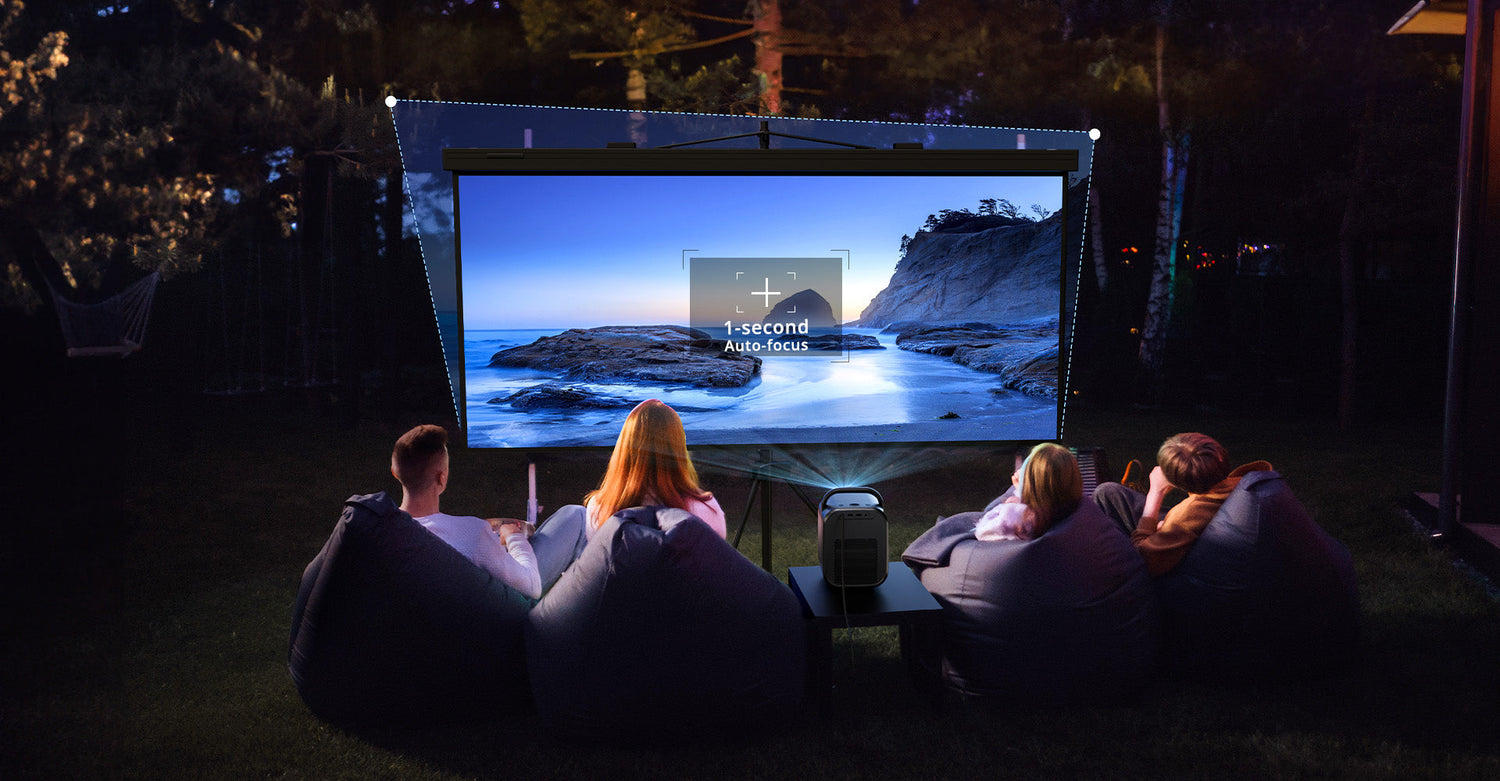
If you’ve ever set up a smart projector in a multi-use living room, you’ve likely faced the "Trapezoid Struggle." You place the device on a side table or a DIY shelf, and suddenly, your movie looks like a lopsided tombstone.
Enter Keystone Correction—the ubiquitous feature marketed as the ultimate solution for "anywhere" placement. But in the world of optical physics, there is no such thing as a free lunch. While it offers incredible convenience, it comes with a "hidden tax" on your visual experience that most manufacturers leave in the fine print.
As tech experts who have calibrated hundreds of home theater setups, we’re diving into the science of the "tilt" to help you solve common projector picture problems and decide when to use this feature.
What is Keystone Correction? (The Physics of the "Tilt")
In a perfect optical setup, the projector’s lens is parallel to the screen. Light travels the same distance to every corner, resulting in a perfect rectangle. When you tilt the projector—say, to point it up from a coffee table—you create an angular offset.
Because light travels in straight lines and expands over distance, the part of the screen furthest from the lens becomes larger. This geometric distortion is what we call the Keystone Effect.
The Modern Fix: Manual vs. Auto-Keystone
Manual Correction: You manually pull the corners of the image through the software menu.
Auto-Keystone: A modern smart projector uses an internal MEMS gyroscope or a ToF (Time-of-Flight) sensor to measure the distance to the wall, "squaring" the image instantly.

The Pros: Why We Can't Live Without It
For 90% of users, keystone correction isn't just a feature; it's a necessity for avoiding projector display problems in difficult rooms.
Ultimate Setup Flexibility: Not everyone can drill a mount into their ceiling. Keystone allows for side-projection from a nightstand or bookshelf, keeping your room's aesthetic intact.
Instant Portability: If you move your projector from the living room to the backyard, auto-keystone saves you 15 minutes of frustrating tripod micro-adjustments.
Adaptability: It allows projectors to function in "hostile" environments where a centered, perpendicular throw is physically impossible.

The Cons: The Science of Image Degradation
This is the part manufacturers rarely emphasize. Most consumer projectors use Digital Keystone Correction, which is a software-based manipulation, not a physical one.
1. The Resolution "Vampire"
Digital correction works by taking your source image (e.g., 4K) and "scrunching" pixels together to fit into a rectangular shape within the distorted frame.
The Expert Insight: You are essentially throwing away physical pixels. If you apply a 20° correction, you may lose up to 25% of your effective resolution. Your premium 4K projector could be outputting a blurry 1080p-equivalent image in the center.
2. The "Grey Halo" Phenomenon
Even if the software makes the movie look square, the projector’s lamp is still shooting a trapezoidal beam of light. In a dark room, you will see a faint, glowing grey border around your screen. This "light bleed" destroys your perceived contrast ratio, making blacks look muddy.
3. Focus Uniformity Issues
Projector lenses are designed to focus on a flat plane. When you tilt the unit, one side of the screen is physically further away than the other. Digital keystone can fix the shape, but it cannot fix the optical focus. You may find the center of your screen is sharp, while the corners remain perpetually soft.
4. Added Input Latency (For Gamers)
Processing the image geometry in real-time requires "brain power" from the projector's SOC (System on Chip). This adds milliseconds of input lag. For competitive gaming, this delay can be the difference between a win and a loss.
The Pro's Alternative: Optical Lens Shift
If you want the flexibility of keystone without the quality loss, look for Optical Lens Shift.
Unlike digital correction, Lens Shift physically moves the lens assembly inside the chassis. It shifts the image without altering the pixel geometry, preserving 100% of your native resolution.
Summary: When Should You Use It?
|
Scenario |
Use Keystone? |
Why? |
|
Backyard Movie Night |
✅ Yes |
Convenience and speed are more important than 4K precision. |
|
Business Presentation |
✅ Yes |
Portability is key; text remains legible enough. |
|
Dedicated Home Cinema |
❌ No |
You lose the contrast and resolution you paid for. |
|
Competitive Gaming |
❌ No |
The added input lag can ruin the experience. |
Final Setup Tip
Always follow the "Physical First" Rule: Use the adjustable feet or a ceiling mount to get the image as square as possible physically before touching the digital settings. If you must use keystone, try to keep the correction under 10° to minimize artifacts.
Experience Stress-Free Setup with ETOE Projectors
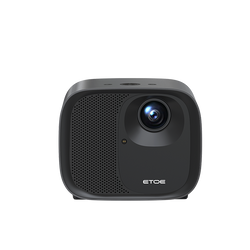
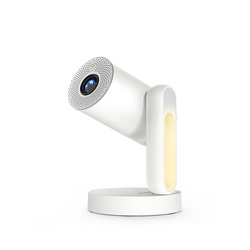
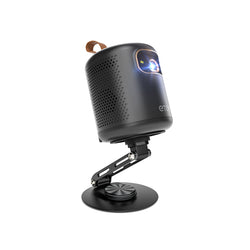
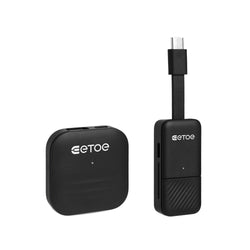
If you want to enjoy the benefits of a flexible setup without the headache of manual adjustments, we highly recommend ETOE Projectors.
ETOE models are designed with the modern user in mind. Each unit features automatic focus adjustment and keystone correction to ensure consistently stable, sharp, and well-framed images. Whether you are projecting on a bedroom wall or setting up for a terrace movie night, ETOE’s smart sensors do the heavy lifting for you—delivering a perfectly squared, crystal-clear picture in seconds.
Ready to upgrade your home theater? Browse the latest [ETOE Projector Collection] and see how easy a professional-grade setup can be.

FAQs
Does keystone correction affect gaming lag?
Yes. Digital keystone correction requires the projector’s internal chip to recalculate every frame to "reshape" the geometry. This adds a small amount of input latency. For competitive gaming, we recommend turning off all digital processing and physically aligning the projector.
Why does my screen look blurry in the corners after using auto-keystone?
This is a physical distance issue. While software fixes the shape, the lens can only have one focal point. If the projector is at an angle, the distance from the lens to each corner of the wall is different, leading to soft focus in the areas furthest from the lens.
What is the difference between Keystone Correction and Lens Shift?
Keystone Correction is a digital process that "scrunches" pixels, leading to a loss in resolution. Lens Shift is a mechanical process where the glass lens physically moves. It preserves 100% of your image quality.
Is there a maximum angle for keystone correction?
Most modern projectors allow for up to ±45°. However, for a high-quality experience, we recommend staying under 15°. Beyond this, the resolution loss and the "grey halo" become very distracting.


Leave a comment
This site is protected by hCaptcha and the hCaptcha Privacy Policy and Terms of Service apply.