


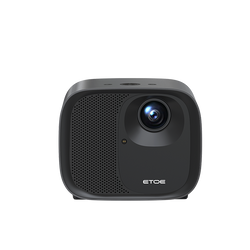


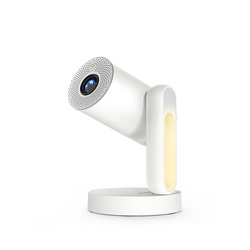
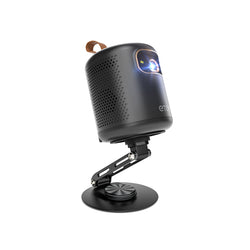
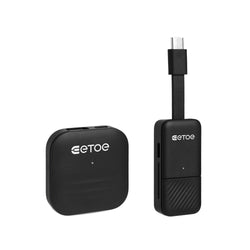
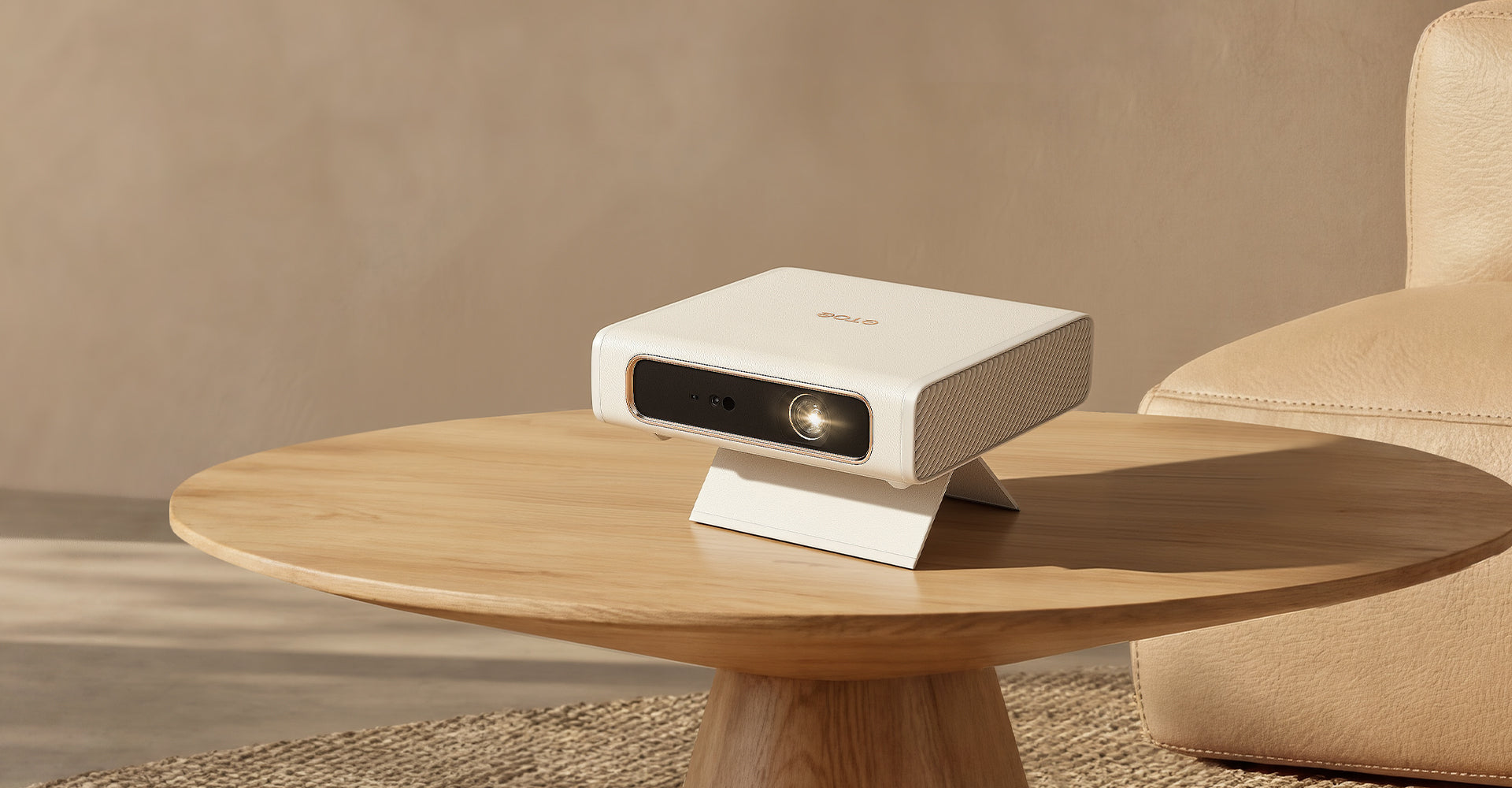
Smart Projector for Home and Travel: Why ETOE Dolphin 2 Stands Out
ETOE Dolphin 2 is a portable smart projector with RGB laser visuals, built-in Google TV, battery-powered freedom, and fast auto setup. It works well for home movie nights, bedroom ceiling viewing,...

Projector Keystone Correction: Fix a Skewed Screen in 3 Mins
If your projector image is skewed or blurry, first ensure there are no obstacles (like table edges) blocking the front lenses and sensors. Place the device on a flat, stable surface. Next, use the...
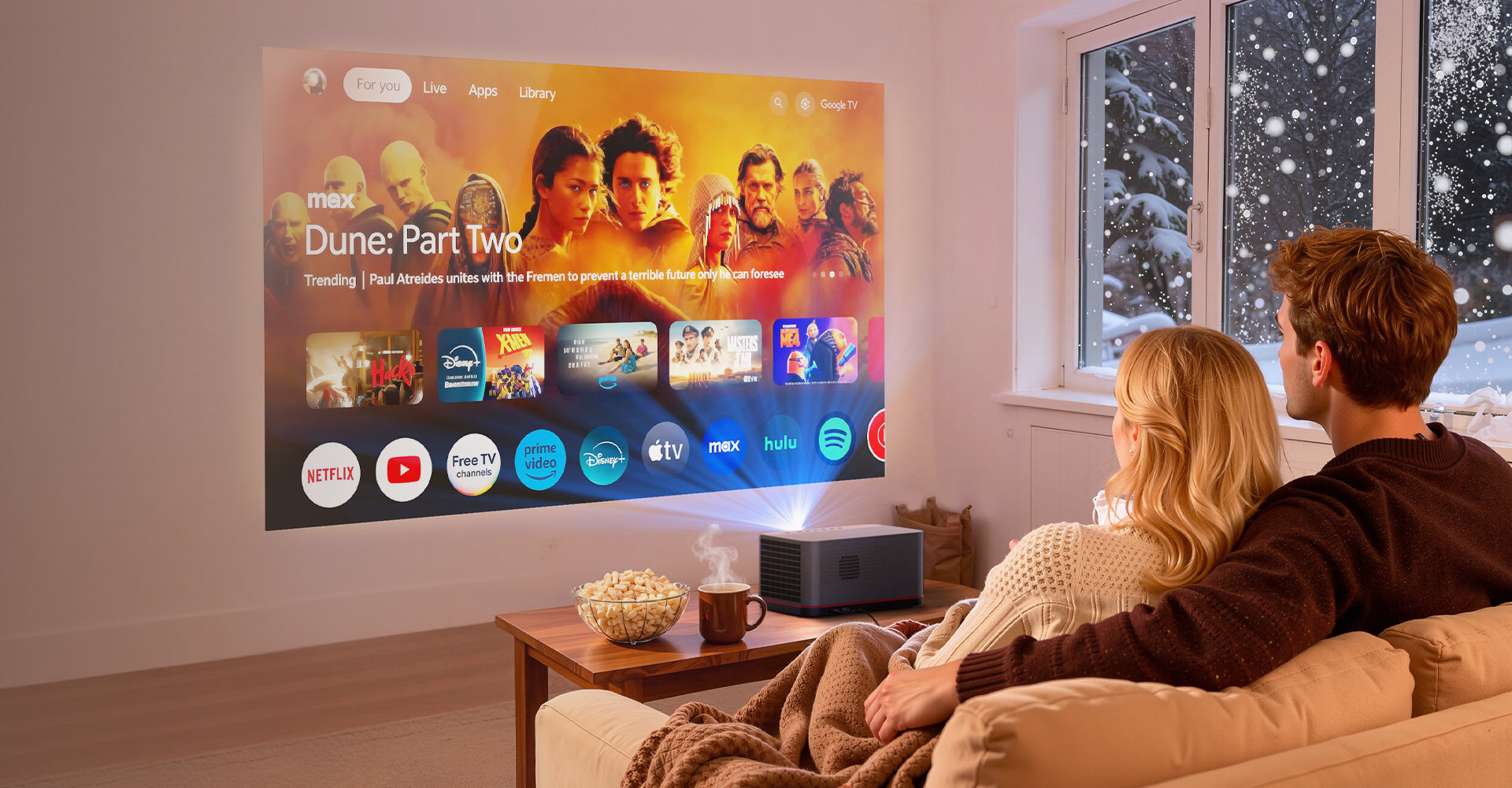
ETOE Whale Pro 2026: Best 1800 ANSI Smart Projector Upgrade
In the world of premium home design, the centerpiece of the living room is shifting. The era of the static, glossy black TV screen is making way for something more fluid, more immersive, and infini...
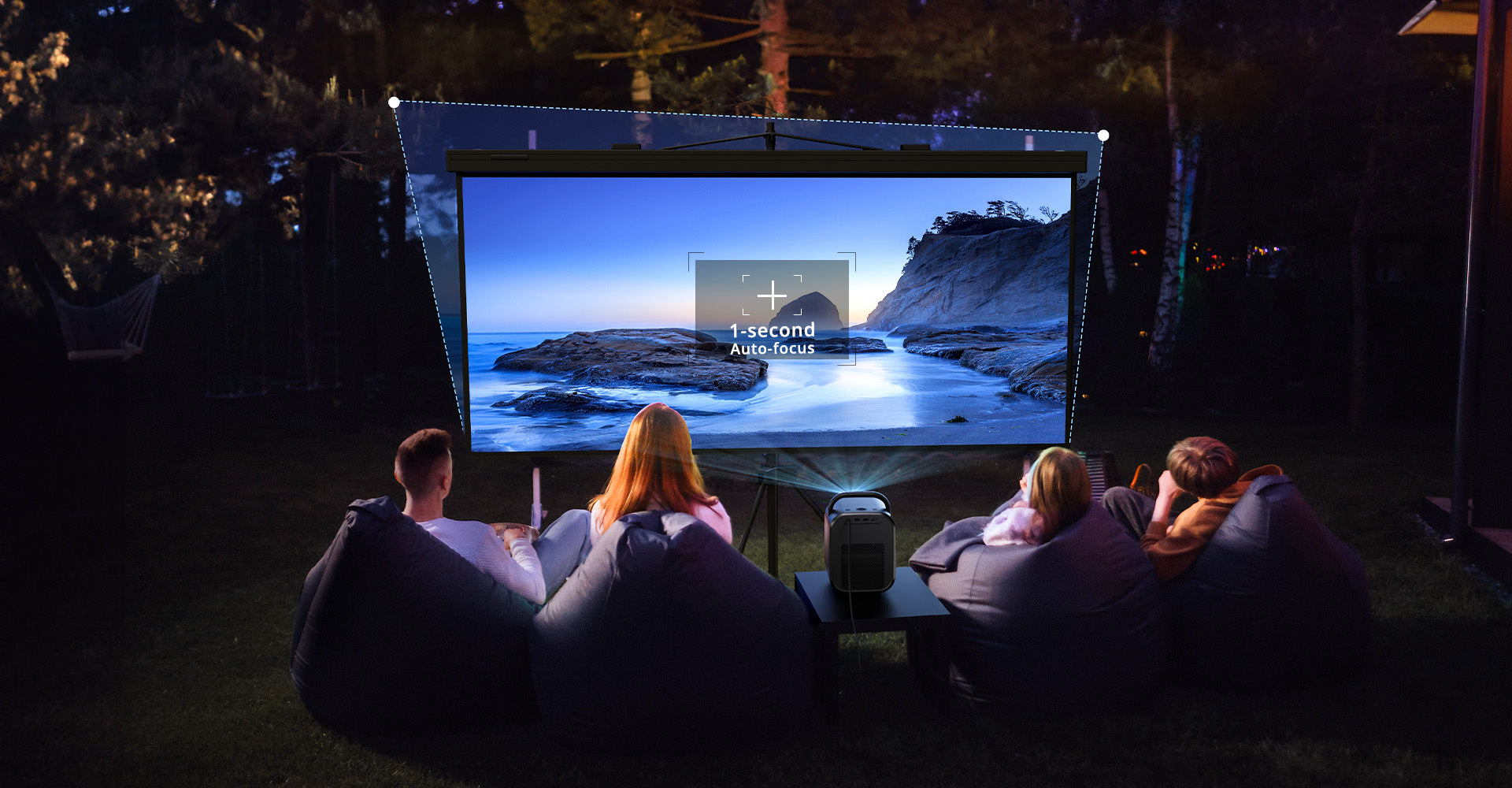
Keystone Correction: Pros, Cons & How It Affects Image Quality
If you’ve ever set up a smart projector in a multi-use living room, you’ve likely faced the "Trapezoid Struggle." You place the device on a side table or a DIY shelf, and suddenly, your movie looks...
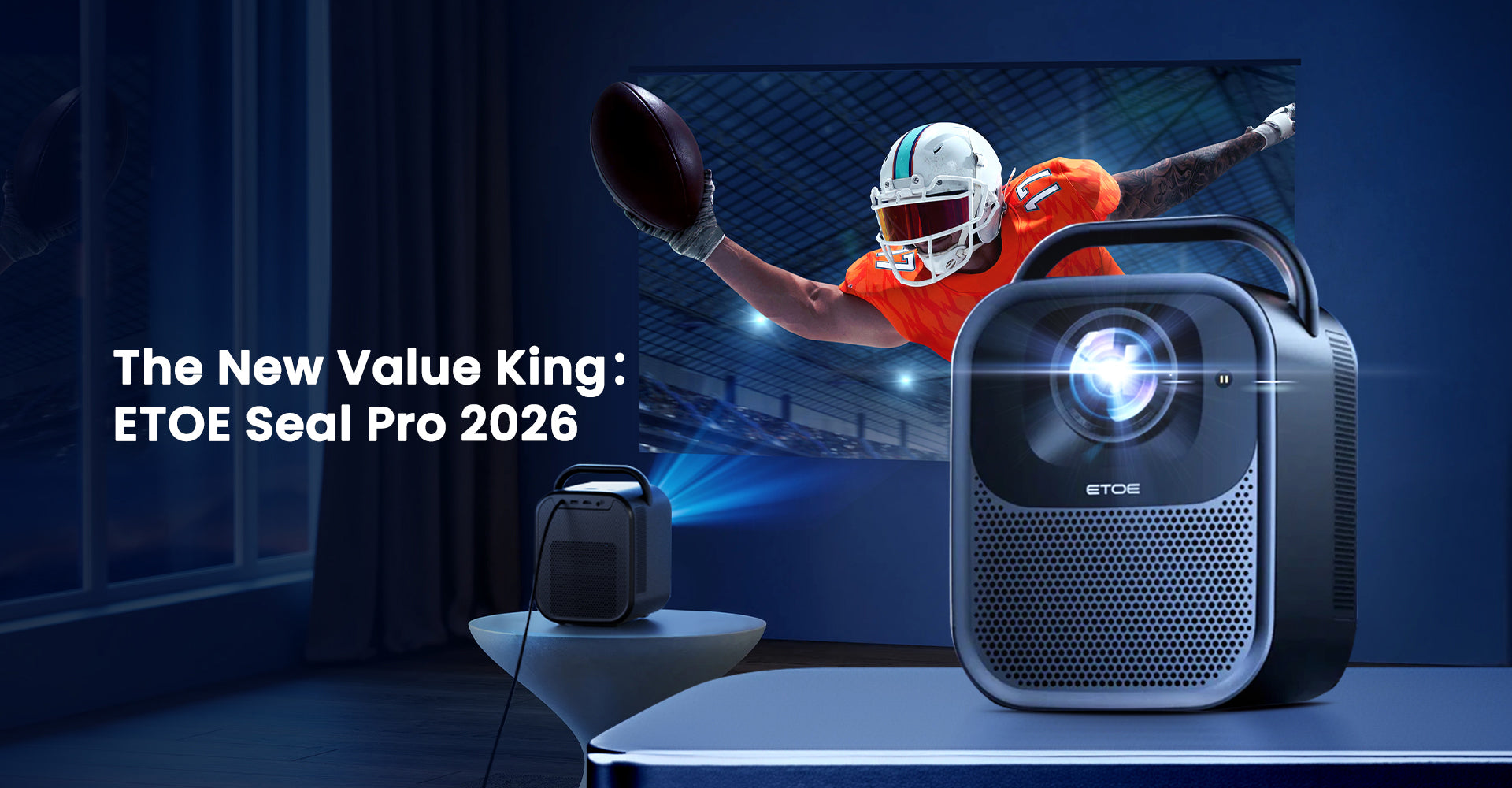
Best Smart Projector 2026: Why ETOE Seal Pro Defies its Price Tag
In 2026, the gap between "luxury home theaters" and "affordable setups" has finally closed. We’ve moved past the days of compromising with grainy images or laggy software. If you have a budget of a...
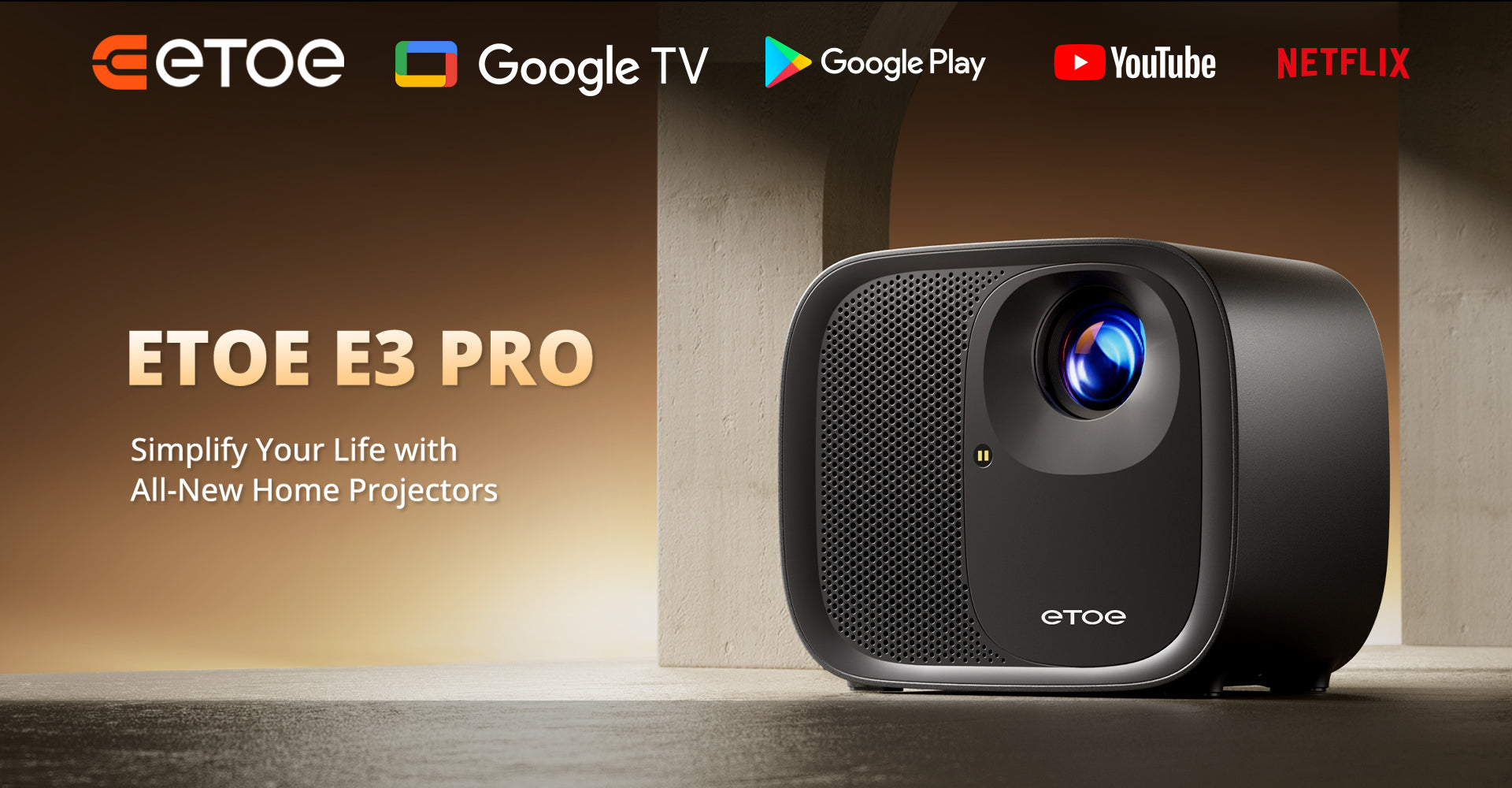
Google TV Projector for Home Theater: ETOE E3 Pro 2025 Smart Features & Upgrades Explained
Home entertainment has evolved quickly over the past few years, and projectors have transitioned from occasional-use devices into central hubs for movies, shows, gaming, and family activities. The ...